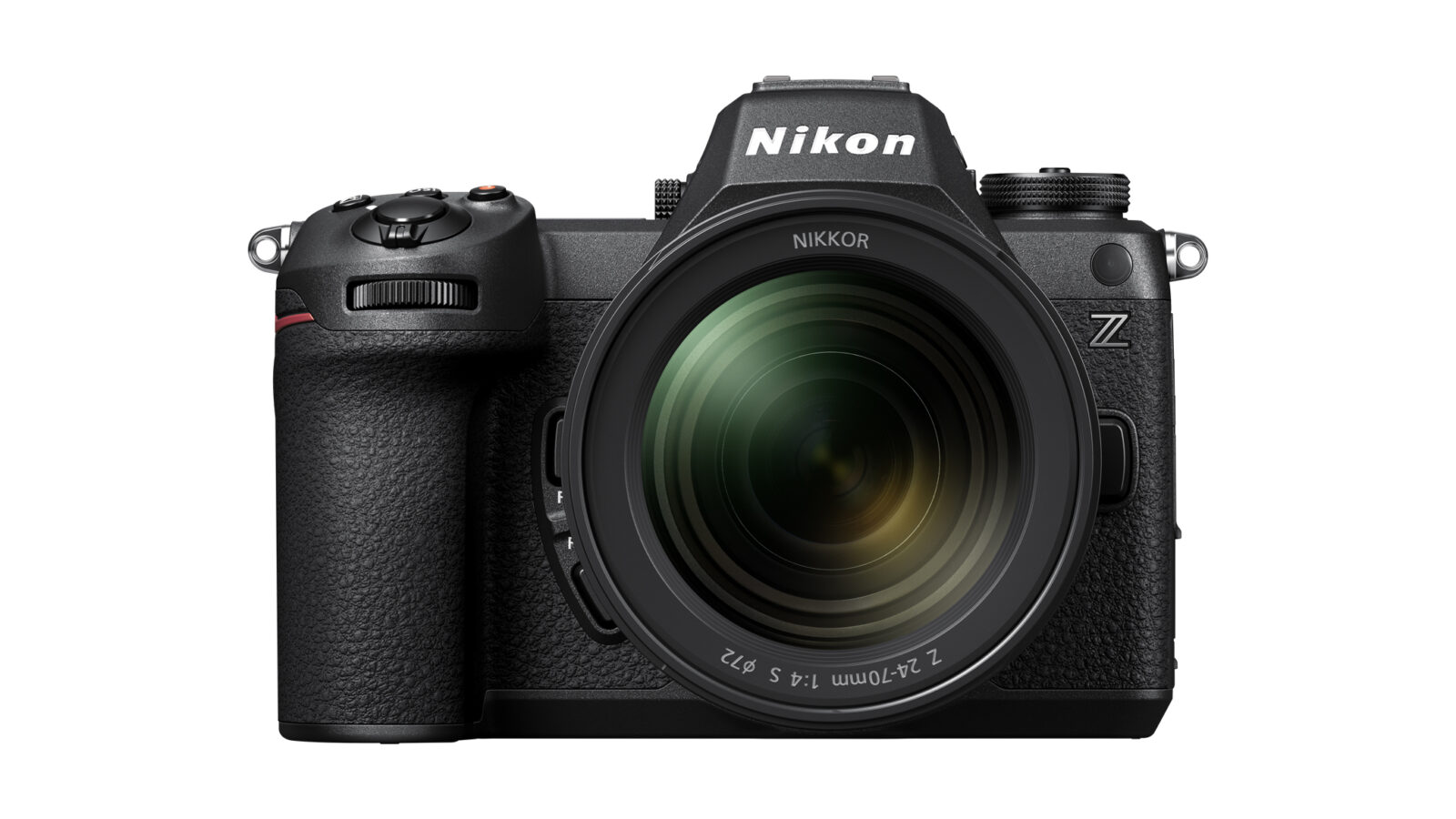
Product image: Nikon. The pictured lens is not necessarily included in every offer.
The Nikon Z6III combines still photography and video, but its maximum figures belong to different modes. To judge whether it suits your work, read the conditions attached to each capability rather than assume all headline specifications operate together. This guide uses Nikon documentation, not an independent hands-on test.
The camera’s foundations
Nikon announced the Z6III on 17 June 2024 with a 24.5-megapixel partially stacked full-frame sensor and EXPEED 7 processor. It should no longer be presented as an imminent release or compared with competing announcements as though those launches were still pending.
Burst shooting: 20 and 120 mean different things
The specifications distinguish extended continuous shooting, reaching approximately 20 frames per second with the electronic shutter, from C120. The manual specifies JPEG recording and the DX image area for C120. That is not 120 full-frame RAW files per second.
Choose whether editing flexibility, the full image area or maximum frequency matters most. Also check how quickly the buffer clears with your intended card. A catalogue figure does not promise an unlimited burst.
Video and the rest of your equipment
Nikon lists RAW recording up to 6K/60p, 4K/120p options and Full HD/240p. Format and image-area conditions vary, so consult the manual for the specific combination. The camera has a vari-angle screen and an electronic viewfinder with approximately 5.76 million dots.
For video work, outline the workflow you actually need: take length, delivery resolution, sound, storage and editing software. Check that your computer can handle the chosen files and allow space for backups.
A short practical trial
- Try the grip and controls with your usual lens.
- Test focus using the subjects and lighting you work with.
- Check lens, adapter and memory-card compatibility.
- Compare body-only and kit offers by their exact contents.
- Record the firmware version and consult its documentation.
Claims of infallible focus, automatic professional results and inexhaustible storage have been removed. A second card slot provides management options, not unlimited capacity. The image comes from Nikon and includes a lens that should not be assumed to accompany every offer.
Sources and review
Sources checked on 23 September 2026. The original address and publication date are retained. More reading in Buscatea guides.