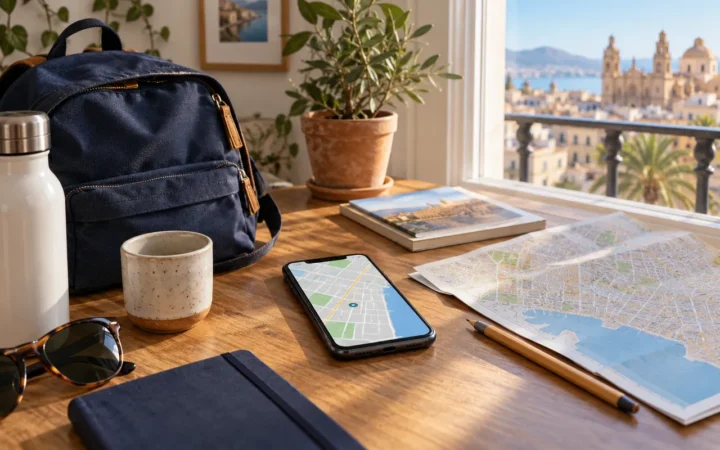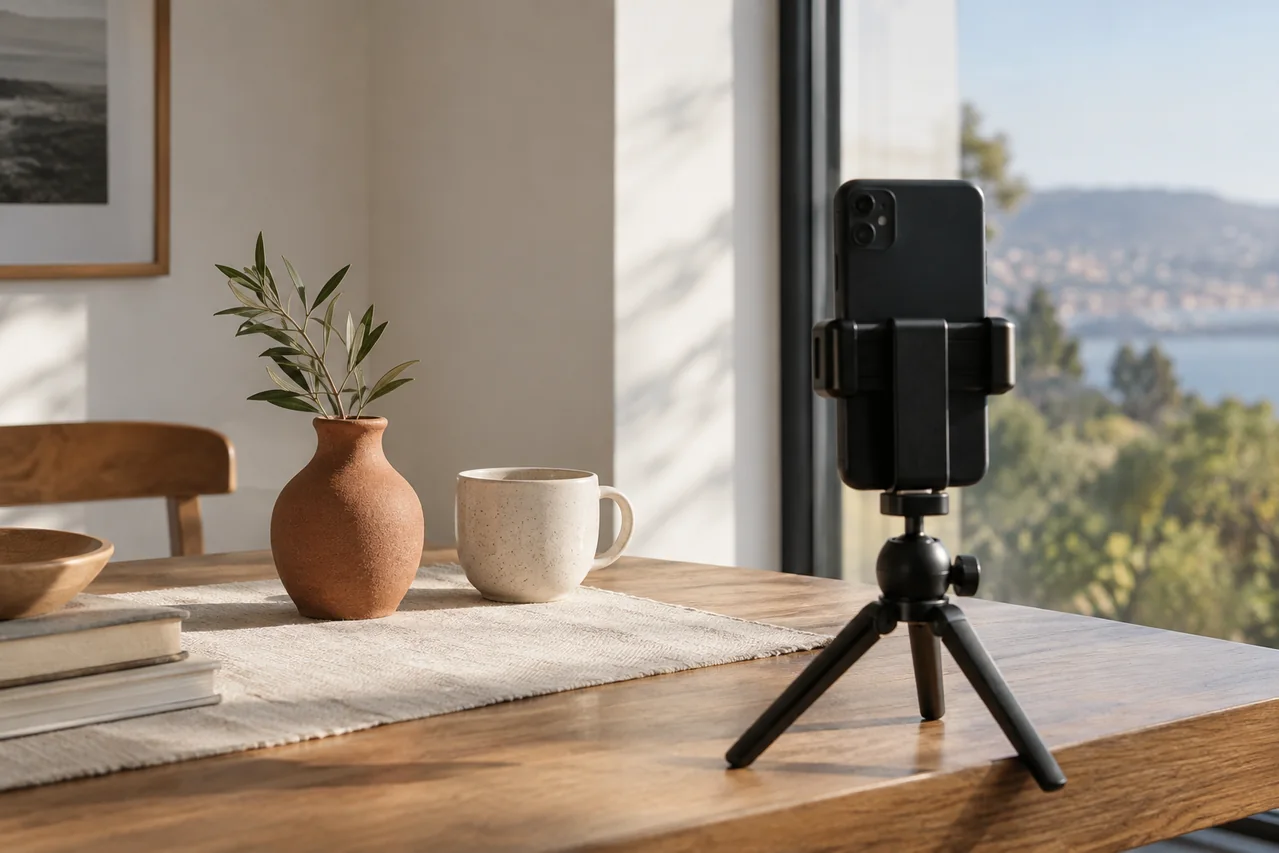
Image: AI-generated editorial illustration; a fictional scene with no real businesses.
A cup, a book or something handmade is enough to practise photography at home. The challenge is to notice what changes when you move the object, choose another angle or adjust brightness. A window and a small scene make those decisions easy to compare.
Begin with an uncluttered background
Choose one object and a clear surface. Check the edges of the screen before taking the picture: cables, bags or a corner of tablecloth can draw more attention than your subject. Remove anything that adds no information. Keep an accompanying object only if it helps explain scale or use.
Try a view from the front and another from slightly above, leaving everything else unchanged. Save both and decide which describes the object’s shape more clearly. Not every subject needs an overhead photograph.
Move the subject before changing apps
Place it near a window on a stable surface. Take one picture with light coming from the side, then turn the scene and take another. Notice where shadows and reflections appear. In direct sunlight, compare a position with less intense light and choose according to the detail you want to show.
Avoid changing the position, background and camera settings together. You need to remember what changed to learn from the comparison. Brief notes such as “window at side” and “window in front” can help organise versions.
Choose the focus and check brightness
For iPhone, Apple’s camera guide explains tapping an area to focus, adjusting exposure, and holding to lock focus and exposure. It also covers the grid and level. On another phone, consult the equivalent functions for that model; names and controls can differ.
Enlarge the saved picture to inspect the important detail instead of judging only the thumbnail. If it does not work, repeat with one deliberate change: focus area, phone position or framing. Use a stable support when you want to preserve the composition.
Choose a version and retain the original
Compare three pictures rather than thirty near-duplicates. Ask whether the shape is clear, whether the background distracts and whether the image describes the object honestly. For a second-hand listing, photograph wear and faults too; attractive editing should not conceal them.
Do I need a tripod?
Begin with what you have, then identify the limitation you want to solve. A support can make repeated framing easier, but it will not choose the light for you. For work requiring a professional, see our guide to comparing photographers and preparing a brief.
Sources checked on 27 September 2026.