Image: AI-generated editorial illustration; a fictional scene with no real venues, businesses or codes.
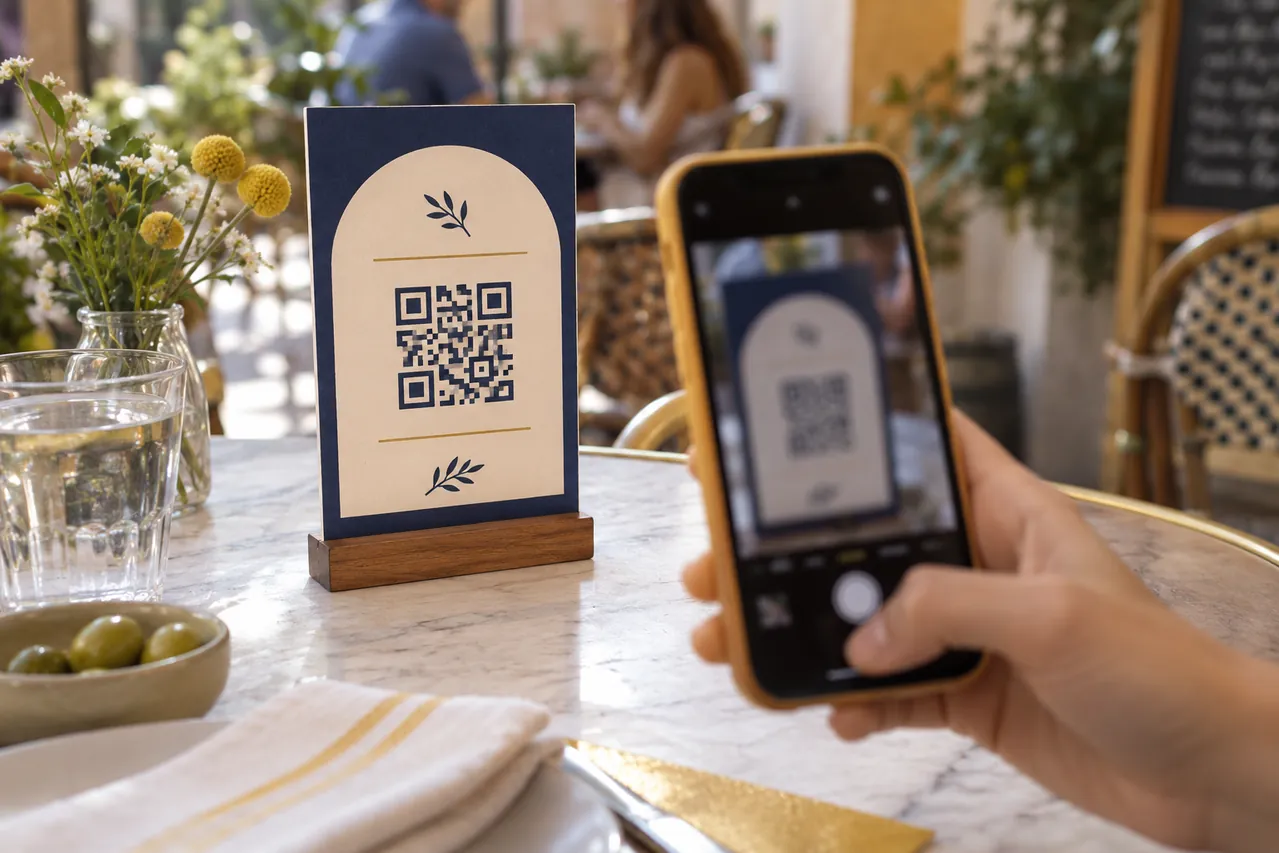
Before opening a restaurant menu QR code, look at the printed stand, preview the link if your reader offers that option and ask staff about a destination you do not recognise. Then separate three jobs: reading prices, placing an order and making a payment. A code sitting on the table does not identify the organisation behind every page it opens.
Picture an ordinary lunch: you point your phone at the menu and a registration form appears before any dishes. There is no need to rush through it. Ask, “Is this part of your menu?” The aim is a practical pause, not the assumption that every digital menu is fraudulent.
A short check before you continue
- Look at the stand. A label covering another label, a raised edge or mismatched design is a reason to ask a question, rather than proof of fraud.
- Read the destination. When the scanner offers a link preview, look at the site name before tapping. A logo on the next page is a separate signal.
- Ask about an unfamiliar provider. Restaurants can use legitimate outside menu platforms. Staff can confirm which one they use or offer another way to see the menu.
- Pause when the task changes. Installing an app, entering a password or approving a payment is a different decision from checking a dish.
The FTC explains how QR codes can conceal links to impersonation sites and recommends checking the address. The square pattern is a way to store information; it is not an identity certificate.
Read the address without decoding the whole link
For a simple address, look for the host before the first slash after https://. If you see @, the text before it is not the site owner: examplecafe.example@other.example leads to another host. Ask staff about a confusing address. The examples use IANA’s reserved .example domain; they are fictional.
| Fictional address | What it tells you |
|---|---|
menu.examplecafe.example/menu |
“menu” is a subdomain of examplecafe.example. |
examplecafe.otherservice.example/menu |
The host belongs within otherservice.example. Putting the cafe name at the beginning does not prove the cafe owns it. |
shortmenu.example/abc |
A short link does not reveal the final destination. Ask staff for the full address if necessary. |
A different domain could be a genuine menu service, a booking platform or an imitation. Reading it helps you ask a specific question; it cannot produce an automatic safe-or-unsafe verdict. If a redirect takes you elsewhere, check the address again before entering information.
Chrome’s security team explains the distinction between HTTPS and a trustworthy website. Encryption protects the connection; it does not vouch for the restaurant. A lock symbol, polished design or familiar logo is therefore insufficient on its own. Our guide to checking AI search answers and privacy settings applies the same habit of checking where information comes from.
Your camera and someone else’s reader may behave differently
Apple’s instructions describe framing the code and tapping its link. On compatible devices, Camera from Google offers a banner to tap. Other readers may open a page differently. Use the preview where available. If a page opens immediately, inspect its address and pause before interacting with an unexplained request.
What if the menu asks for your email, phone or card?
For readers in Madrid, the regional government’s consumer FAQ on registration before reading a menu says menu and price information must be accessible without compulsory personal-data submission. Its QR-menu guidance also calls for another accessible format. These are official explanations for that setting, rather than a claim about the rules of every country.
A useful request is, “I only want to see the prices; can I have the menu or a visible price list?” If you later choose to order or pay through a platform, confirm the provider, amount and action with the restaurant. A genuine payment service may need information for a transaction. That does not establish the legitimacy of every form reached through a QR code.
If you have already opened the link
| What happened | What to do next |
|---|---|
| You only opened an unfamiliar page | Close it, avoid downloads or permissions and tell staff what appeared. Opening a page alone is not proof that the phone is infected. |
| You entered a password | Go to the service through its official route, change the affected password and review the account’s security. |
| You supplied card details or saw an unexpected charge | Contact your bank promptly through an official channel. Preserve the URL, screenshots and details of the incident. |
INCIBE’s fraud-response guide separates account, device and banking problems and points to its 017 help service in Spain. Do not return to the suspicious link to “fix” the problem.
If you accepted an unexpected installation, permission or SMS verification, preserve what happened and seek guidance from Spain’s 017 advice service. Ask your mobile provider about unexplained phone services or charges and contact the bank about card-related activity. Avoid guessing what the prompt authorised.
Two common questions
Does an extra sticker prove a QR code is fake?
No. It might be a legitimate update. Ask staff about an odd overlap and leave the stand intact. Appearance is one clue; confirmation of the destination is another.
Should I install a new scanner to read a menu?
Try the camera already on your phone first. If it cannot read the code, ask for the official address or another menu format. Do not install an app simply because an unexpected menu prompt tells you to.
Sources checked on 7 October 2026. Check the official sources for details that depend on your date, order or appliance model.