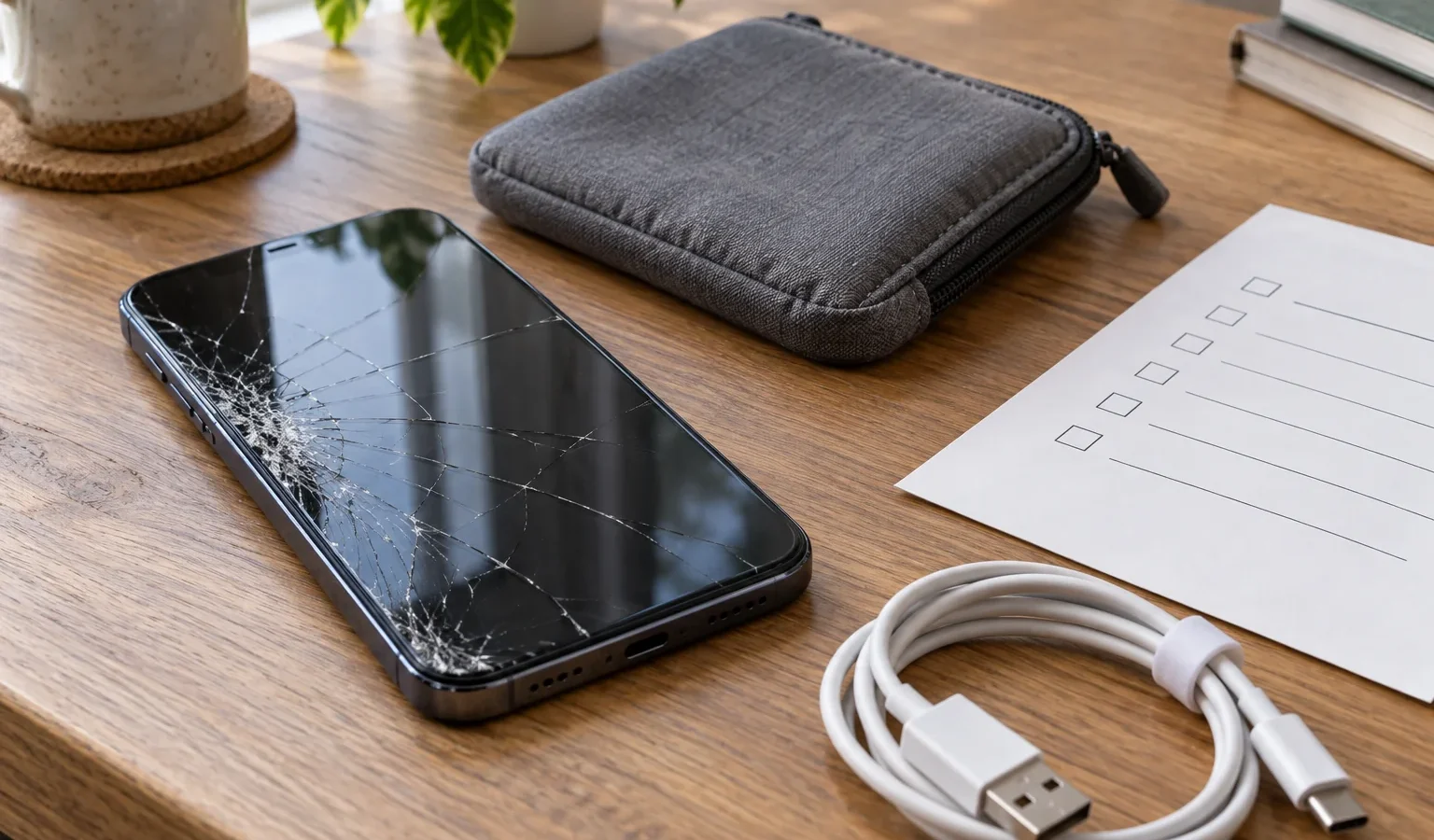
Editorial illustration generated with AI; it does not depict a specific business or product.
A cracked screen makes finding a repair appointment feel urgent. A little preparation can prevent a second problem: discovering that a backup is missing, an existing mark was never recorded or the quoted price covered something different from what you expected.
Describe the fault with an example
Write down when it happens and what you were doing. “It will not charge with this cable, but works with another” is more useful than “it is broken”. Note whether the issue followed a drop, contact with water or an update. If an intermittent fault is easy to record without putting strain on the device, keep a short video or photograph.
Record the exact make and model. Keep the serial number in your private paperwork instead of posting it in a public review or forum. Ask whether you need an appointment and which accessories the technician needs to reproduce the problem.
Check what you can recover
If the phone responds, work out which information you can access from another device: contacts, photographs, work files and your accounts. Check the latest backup date. Seeing a few synchronised files does not establish that everything on the phone is backed up.
For an iPhone, Apple’s service preparation guide recommends a backup and says you should not hand over your account password, device passcode or security information. If entering those details is necessary for software support, enter them yourself and stay present.
Preparation differs by manufacturer and repair route. Read the instructions for your model before erasing information or changing protective features. If the phone does not respond, tell the repairer which steps you could not complete. Be clear if you have no recoverable backup.
Record what you are authorising
- The fault: specify the problem to diagnose and repair.
- Condition on arrival: keep exterior photographs and a list of accessories handed over.
- The quote: ask what it includes, whether diagnosis costs extra and how changes need approval.
- Your data: ask whether the work could involve erasing or replacing the device.
- Collection: record the estimated timing, contact method and paperwork you will receive.
Ask about the proposed replacement part and the repair conditions. “New screen” alone does not explain its origin or which functions will be tested. Keep the handover receipt with the quote reference.
Test the original problem before leaving
At collection, try the situation that caused the fault with a member of staff. For a screen repair, check touch response in several areas and inspect the display. For charging work, connect the accessory you agreed to test. Look over the exterior and make sure all your accessories are returned.
Keep the invoice and description of the work. If something remains wrong, explain when it happens and ask for it to be recorded. You can find options in Buscatea’s business directory, then confirm the relevant service directly with the repairer.
Do I always need a factory reset?
There is no single preparation step for every brand and service. Follow the official instructions that apply to your device and confirm the process before taking action. Resetting a phone without checking your backup can remove information you wanted to keep.
Sources checked on 22 September 2026.